CMYK Rich Black: The $15,000 Venue Reprint Trap
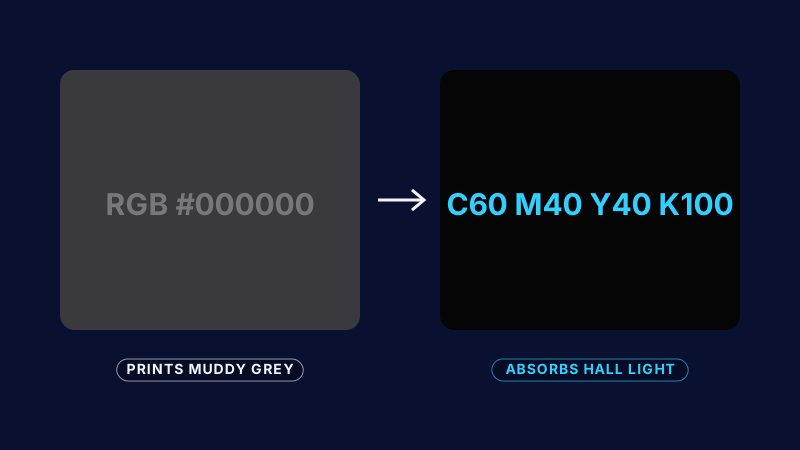
If you send a digital RGB #000000 file to a tension-fabric printer, it prints as muddy grey. Here is the exact CMYK formula to absorb hall lights.
Why your black prints grey
Screens make black by switching pixels off. Printers make black with ink, and a file that only uses the K channel lays down a single thin layer. On dye-sublimated SEG fabric, under the bright lights of an exhibition hall, that single layer reads as a flat charcoal grey.
The fault usually shows up at install, when the panels are already on the frame and the only fix is a rush reprint.
The formula
Specify a rich black that builds density from all four channels:
C60 M40 Y40 K100
This recipe absorbs hall light and keeps a deep, neutral black without the colour cast you get from heavier cyan or magenta builds. Confirm the total ink limit with your fabricator before you lock the file.
Pre-flight checklist
- Convert every black element from RGB to the rich black swatch, not an automatic conversion.
- Keep small body text in 100K only. Rich black on fine type can mis-register.
- Add the 2-inch SEG bleed on every edge and keep text inside the safe zone.
- Request a printed strike-off of your darkest panel before the full run.
Rich black is one part of our CMYK print spec calibration, where every colour value is locked for the fabricator before any file ships.