cryptojobs.com at LEAP: Event Social, Brochures and Sales Decks That Match
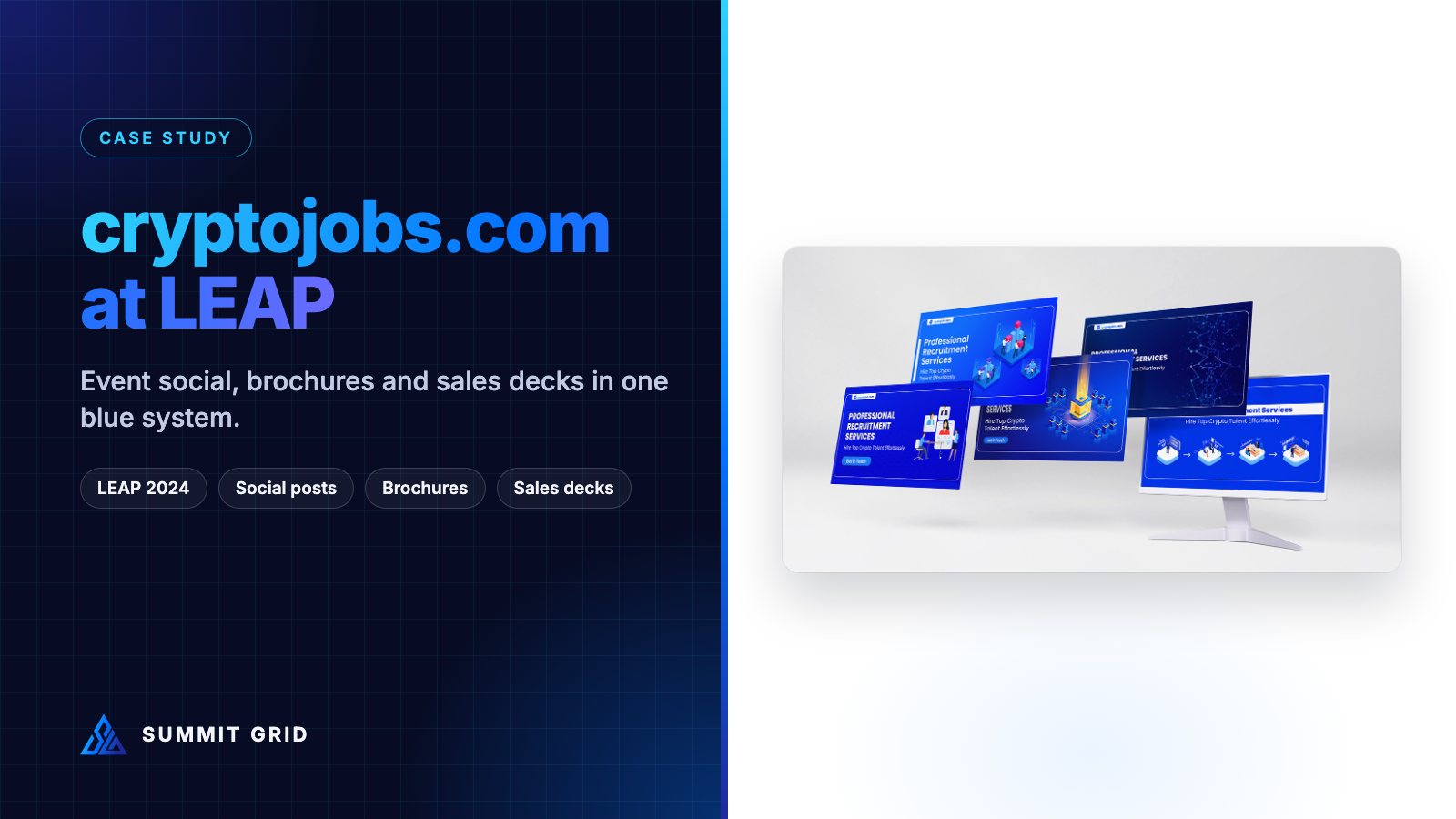
cryptojobs.com is a recruitment platform for the crypto and Web3 industry. When its leadership team attended LEAP 2024 in Riyadh, the goal was simple: make sure the right people knew they were there, and give them something worth taking away. This case study covers the event social posts, the printed brochures, the sales deck and the product graphics, all built on one blue system.
| Client | cryptojobs.com (crypto and Web3 recruitment platform) |
| Event | LEAP 2024, 4 to 7 March 2024, Riyadh |
| Scope | “I’ll be attending” posts for each team member, team announcement post, fold-out recruitment brochures, sales presentation, social carousels, ATS package graphics, video thumbnails |
| Brand colours | cryptojobs blue, violet and white |
| Designer | Muhammad Awais Shabbir, Summit Grid |
The challenge: being found at a huge tech event
LEAP in Riyadh is one of the biggest technology events in the region, with a huge number of exhibitors and visitors across several halls. At an event that size, you cannot rely on people finding you by chance. The meetings that matter are usually arranged before the event, often through LinkedIn.
cryptojobs.com was attending with senior team members: partnerships, software engineering and marketing. Each of them had their own network. The challenge was to give every person a professional, on-brand way to say “I’ll be at LEAP, let’s meet”, and to back that up with strong printed and digital material for the conversations on the day.
Step 1: one template, many people
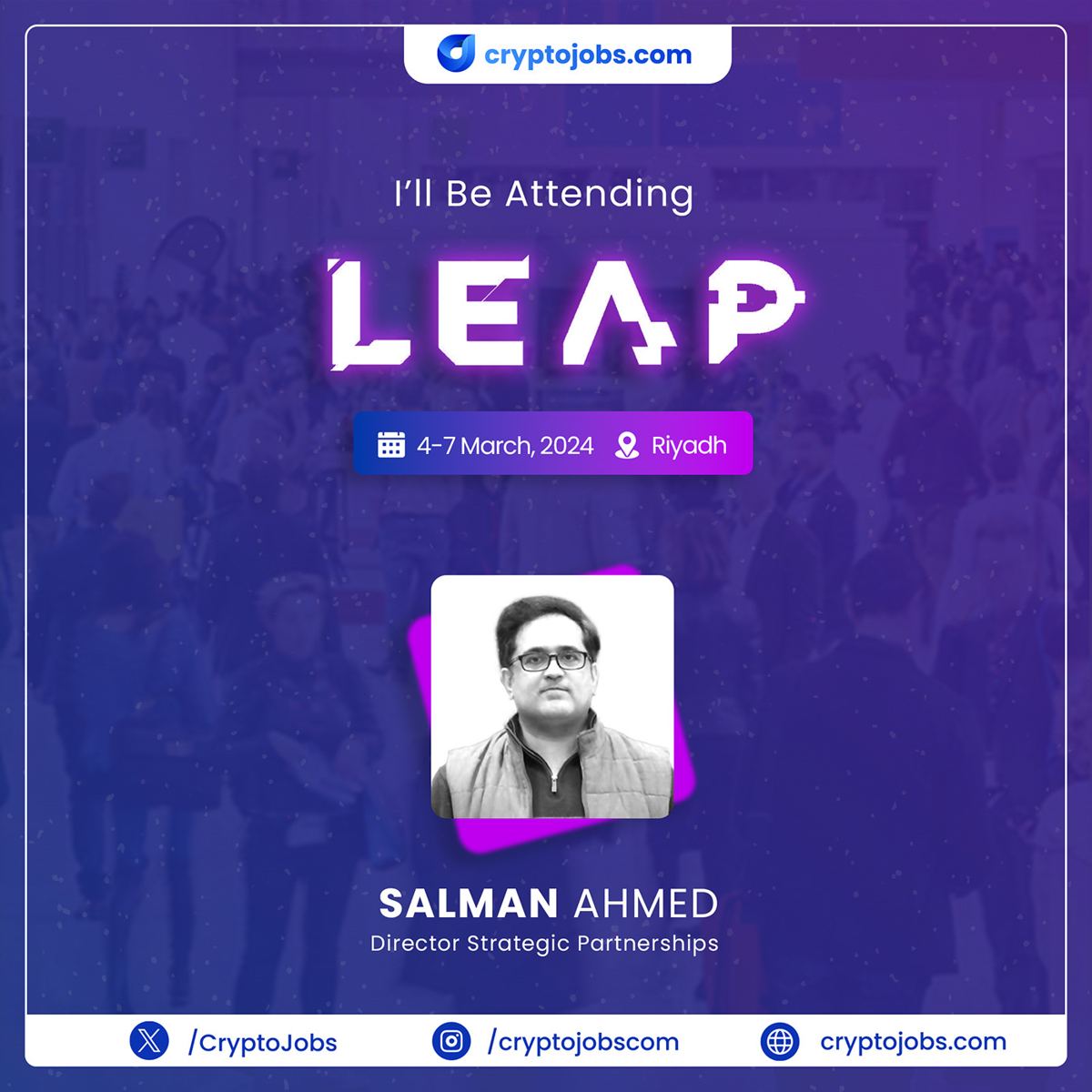
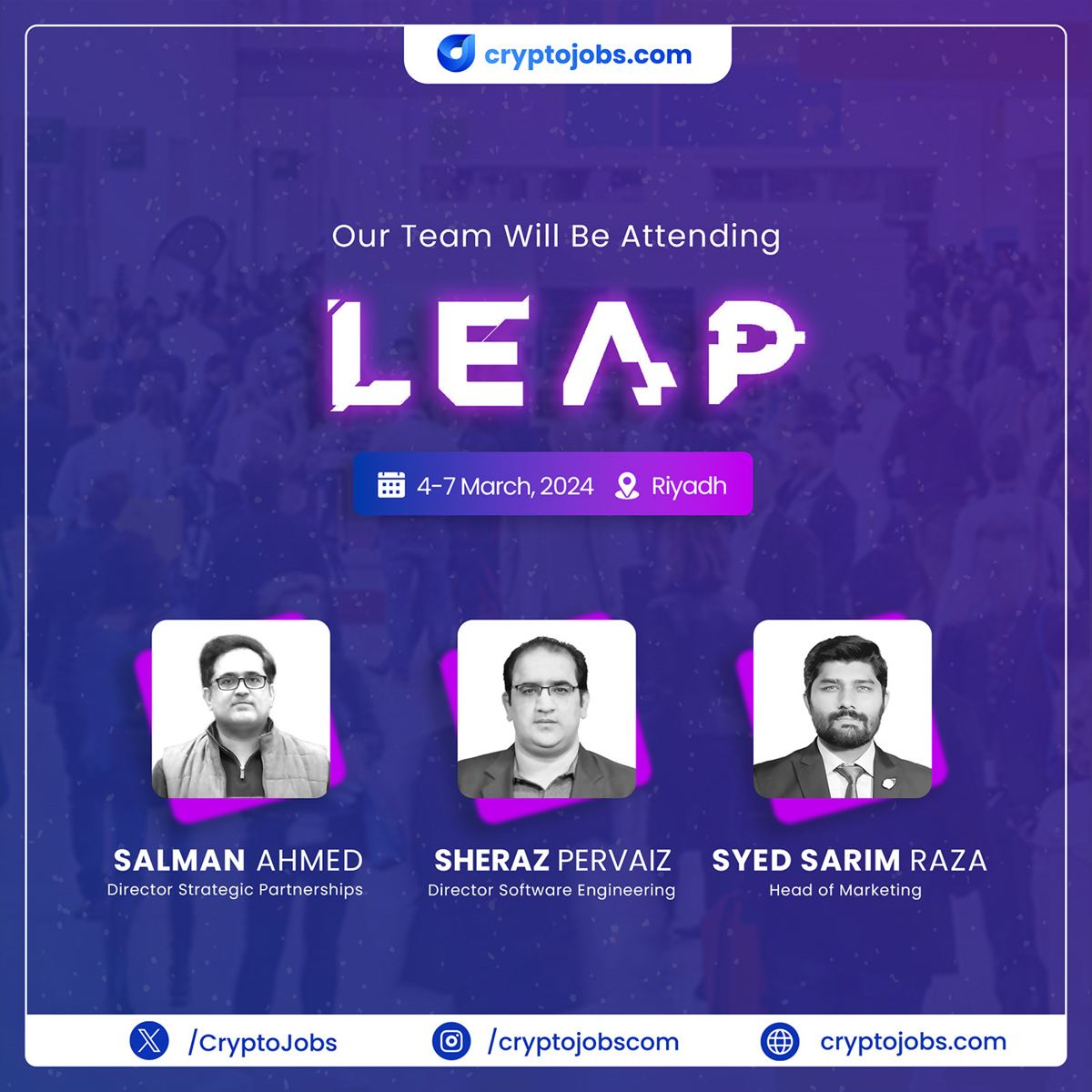
We designed a single social post template with two versions:
- Individual post: “I’ll be attending LEAP” with one photo, name and job title. Each team member shares their own version from their own profile.
- Team post: “Our team will be attending LEAP” with all three people, shared from the company page.
Every post includes the three facts people need to plan a meeting: the event name, the dates (4 to 7 March 2024) and the city (Riyadh). The LEAP wordmark is large and bright so the post is recognised in a fast-moving feed. The cryptojobs.com logo sits at the top, and the company’s social handles run along the bottom.
Why personal posts? Posts from real people tend to get more engagement than company page posts, because colleagues and contacts respond to faces and names. A shared template keeps all of those personal posts looking like one brand, so together they build more recognition than any single post could.
Step 2: brochures for real conversations
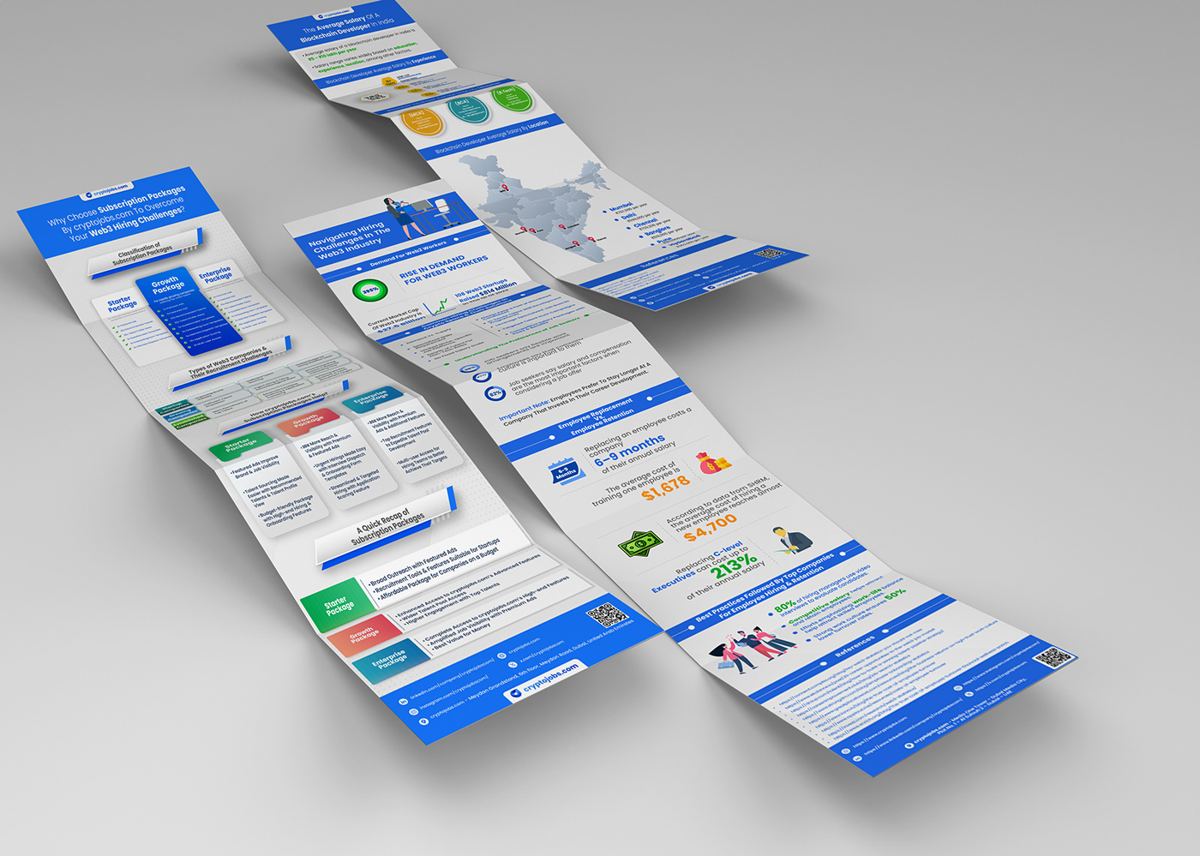
A social post gets the meeting. A brochure helps the meeting go well, and keeps working afterwards. We designed a fold-out (z-fold) brochure for cryptojobs.com’s recruitment services. The format works well for events:
- Folded, it is small enough to carry in a bag or jacket pocket.
- Unfolded, it shows the whole story in order: the problem, the service, how it works, regions covered, and how to get started.
Each panel uses the same blue headers, icons and data graphics, with plenty of white space so it is easy to scan. A QR code links to the website for anyone who prefers digital.
Step 3: a sales deck in the same look
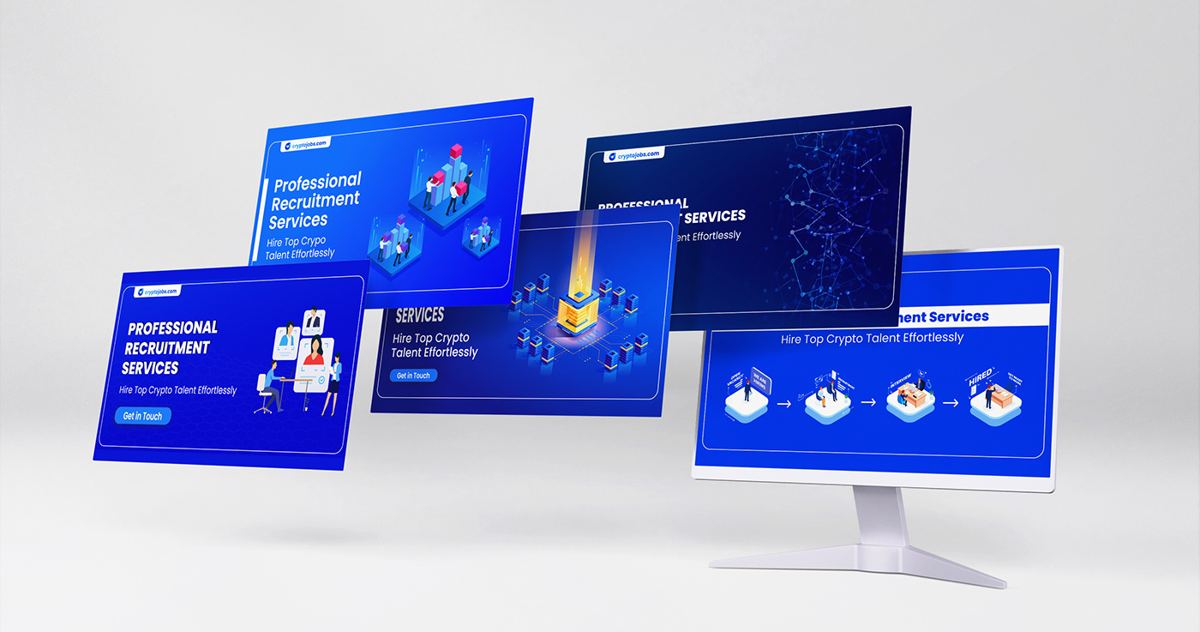
At events, many conversations happen around a laptop or tablet. We designed a short presentation for cryptojobs.com’s professional recruitment services: “Hire top crypto talent effortlessly”. It uses the same blue gradients, 3D-style illustrations and typography as the brochure and social posts.
The deck was built in 16:9, the standard widescreen format, so it looks right on a laptop and on a large screen at a meeting room or stage. Our stage screens and social posts service covers keynote and screen content like this.
Step 4: product graphics for the ATS
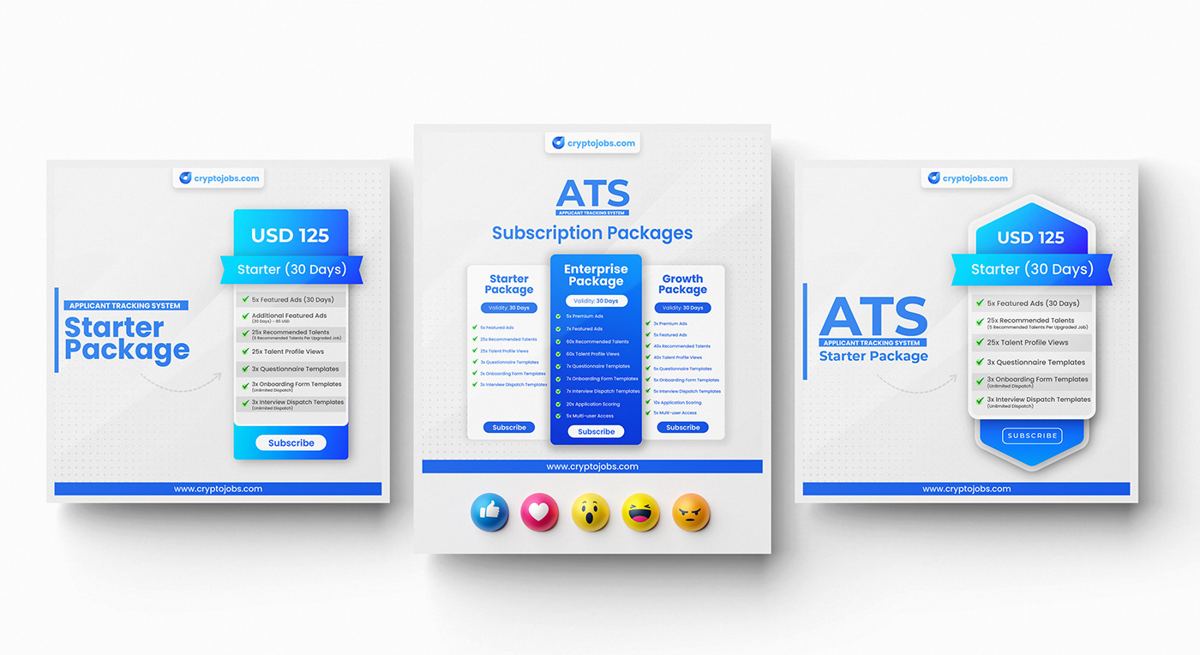
cryptojobs.com also offers an applicant tracking system (ATS) for employers. We designed package graphics for its three plans, Starter, Enterprise and Growth, in a consistent card layout. The same graphics work as social posts, sales slides and printed inserts, so the sales team shows prospects the same pricing everywhere.
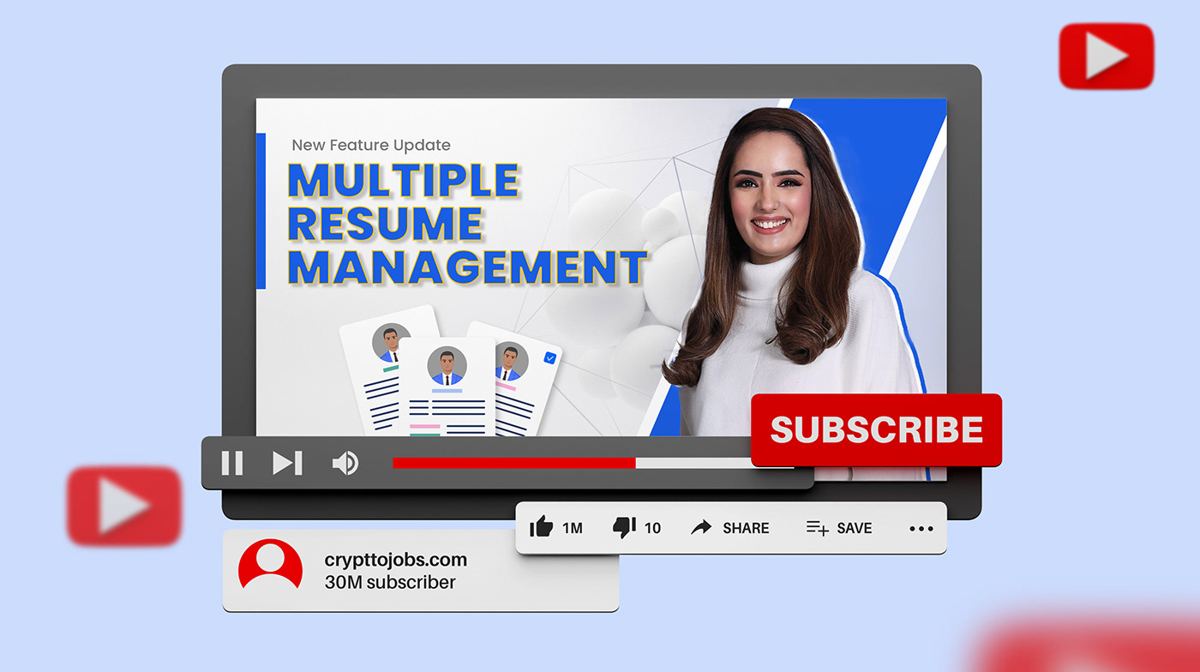
Product feature updates, like multiple resume management and interview dispatch templates, were promoted with video thumbnails in the same style.
Step 5: always-on social content
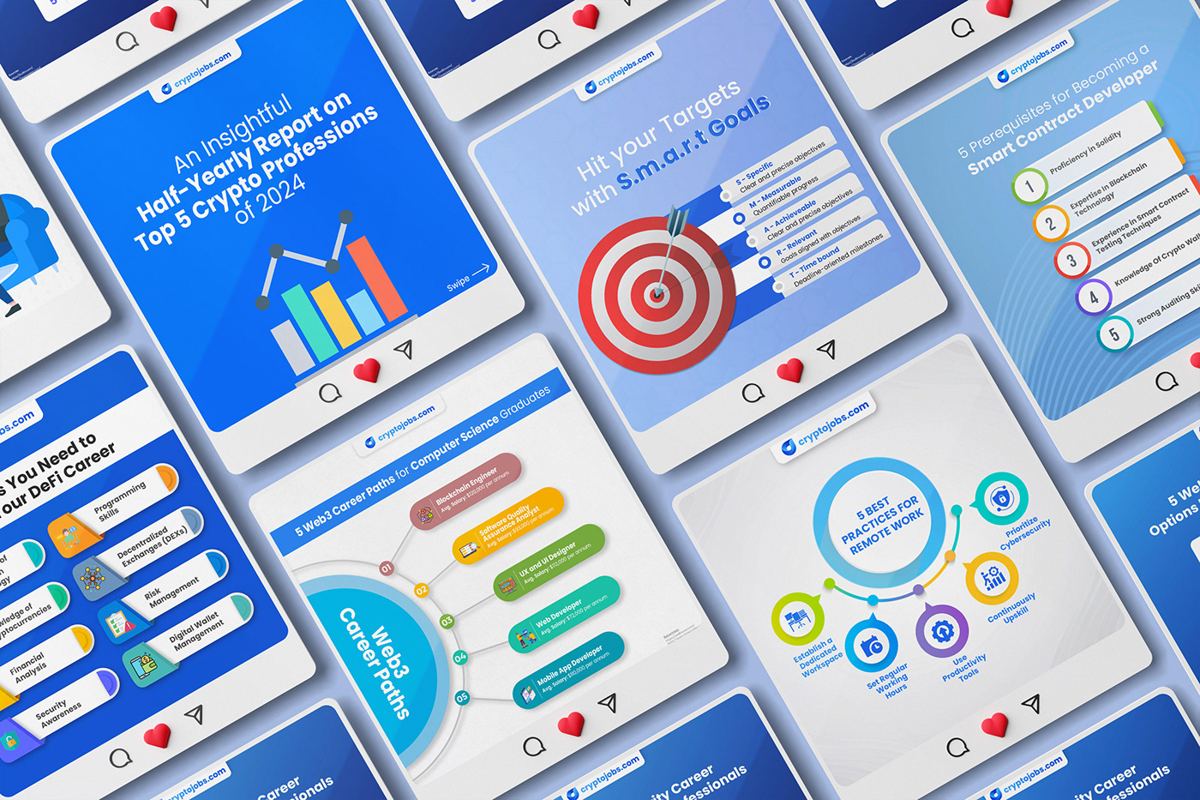
Events are moments. Recognition is built in between them. We designed a series of educational social posts and carousels on topics job seekers and employers care about: top crypto professions, setting SMART goals, attracting the right applicants, and knowing when it is time to change jobs.
All of them use the same blue palette, rounded cards and illustration style as the LEAP posts. So when someone sees the LEAP announcement, they already recognise the brand from their feed.
What made this project work
- Templates, not one-off designs. One layout gave every team member a professional post in minutes.
- The key facts, always visible. Event, dates and city on every post.
- Print and digital in one system. Brochure, deck and posts shared colours, type and illustration.
- Consistency between events. Always-on social content made the event posts instantly recognisable.
Checklist: promoting your team at a big tech event
- Create an “I’ll be attending” template for every person going.
- Post one to two weeks before the event, and again the day before.
- Always include event name, dates, city and stand number (if you have one).
- Prepare one brochure that tells your story in order.
- Bring a short 16:9 deck for tablet and laptop conversations.
- Post photos and a thank-you after the event, in the same template style.
If you are also planning a stand, read our runbook on the 4-foot visibility dead zone, and see how we plan stands on our 3D booth design page.
Event social post sizes and specs
Getting the format right means your posts look sharp in every feed and do not get cropped. These are the sizes we used for the LEAP campaign and recommend for most event promotion:
| Format | Size (pixels) | Best for |
|---|---|---|
| Square post | 1080 × 1080 | LinkedIn, Instagram and X feeds; “I’ll be attending” posts |
| Portrait post | 1080 × 1350 | Instagram and LinkedIn feeds, takes up more screen space |
| Story / reel cover | 1080 × 1920 | Instagram and WhatsApp stories during the event |
| Presentation slide | 1920 × 1080 (16:9) | Sales decks on laptops, tablets and meeting room screens |
| Video thumbnail | 1280 × 720 | YouTube product updates and event recap videos |
A few more practical rules we follow for every event post:
- Keep text big. Most people see your post on a phone. If the dates are not readable at thumbnail size, they are too small.
- Use real photos of real people. Professional headshots on a consistent background make a team look organised and approachable.
- Leave room for the event logo. Big events like LEAP and GITEX have strong visual identities that people recognise instantly. Using the event name prominently helps your post get noticed by people searching for the event.
- Add the stand or meeting point. If you have a stand number or a regular meeting spot, put it on the post. It turns “interesting” into “easy to find”.
A simple timeline for event promotion
Here is the posting plan we recommend, based on how the LEAP campaign was planned:
| When | What to post | Who posts |
|---|---|---|
| 3 to 4 weeks before | Company announcement: “We’ll be at LEAP” | Company page |
| 1 to 2 weeks before | “I’ll be attending” posts, one per person | Each team member |
| 1 day before | Team post: “See you tomorrow in Riyadh” | Company page, reshared by team |
| Each event day | Photos in a branded frame, short updates | Company page and team |
| 1 week after | Thank-you post and key takeaways | Company page |
Following a timeline like this keeps the brand visible for over a month around a four-day event, which is where most of the value of attending actually comes from.
Common mistakes we avoided
- Every person designing their own post. It feels personal, but ten different styles look disorganised. One template solves it.
- Missing dates or city. Without them, a post is just an announcement, not an invitation to meet.
- Print that looks nothing like the posts. When the brochure matches the posts people saw online, the meeting feels like a continuation, not a first impression.
- Forgetting after-event content. The week after an event is when follow-up happens. A thank-you post reminds everyone who you are.
How to measure whether event promotion worked
We do not publish client numbers here, but these are the measures we suggest tracking for any event campaign like this one:
- Meetings booked before the event from LinkedIn messages and comments.
- Profile views and connection requests for each team member during the event week.
- QR code scans from brochures and banners, using a trackable link.
- Follow-up conversations started within two weeks after the event.
Tracking even two or three of these makes it much easier to decide which events to attend next year, and what to bring.
Frequently asked questions
When should we start posting about an upcoming event?
Start one to two weeks before. That gives contacts time to book a meeting. Post again the day before and during the event.
Do we need a stand to get value from LEAP or GITEX?
No. Many companies attend without a stand and use social posts, brochures and decks to arrange and run meetings. A matched set of materials makes you look just as organised as an exhibitor.
What size should event social posts be?
Square (1:1) or portrait (4:5) works best on LinkedIn and Instagram feeds. Keep the event name and dates large enough to read on a phone.
Can you create templates our team can reuse for every event?
Yes. Reusable “meet me at” templates are part of our event collateral and media work. See the Digifloat case study for templates used at GITEX Global and ITCN Asia.
Should every team member post the same design?
Yes, the same template with their own photo, name and title. The matching design is what makes several personal posts add up to one recognisable campaign. Each person can still write their own caption in their own voice, which keeps the posts personal.
What should a recruitment brochure include for events?
Keep it to the essentials: the problem you solve for employers, how your service works in a few steps, the regions or roles you cover, proof such as client logos or results, and one clear way to get started, usually a QR code and an email address. A fold-out format lets you tell that story in order without it feeling long.
Can event materials be reused after the event?
Most of them, yes. The brochure and sales deck keep working in sales meetings all year. The social template can be reused for the next event by changing the event name, dates and city. Designing them as a system from the start is what makes that reuse easy.
Is this kind of work only for crypto and tech companies?
No. The same approach works for any brand that attends events: recruitment, education, finance, manufacturing or professional services. Read the Right Education case study for an education example.
See the full cryptojobs.com project on Behance, or visit cryptojobs.com.